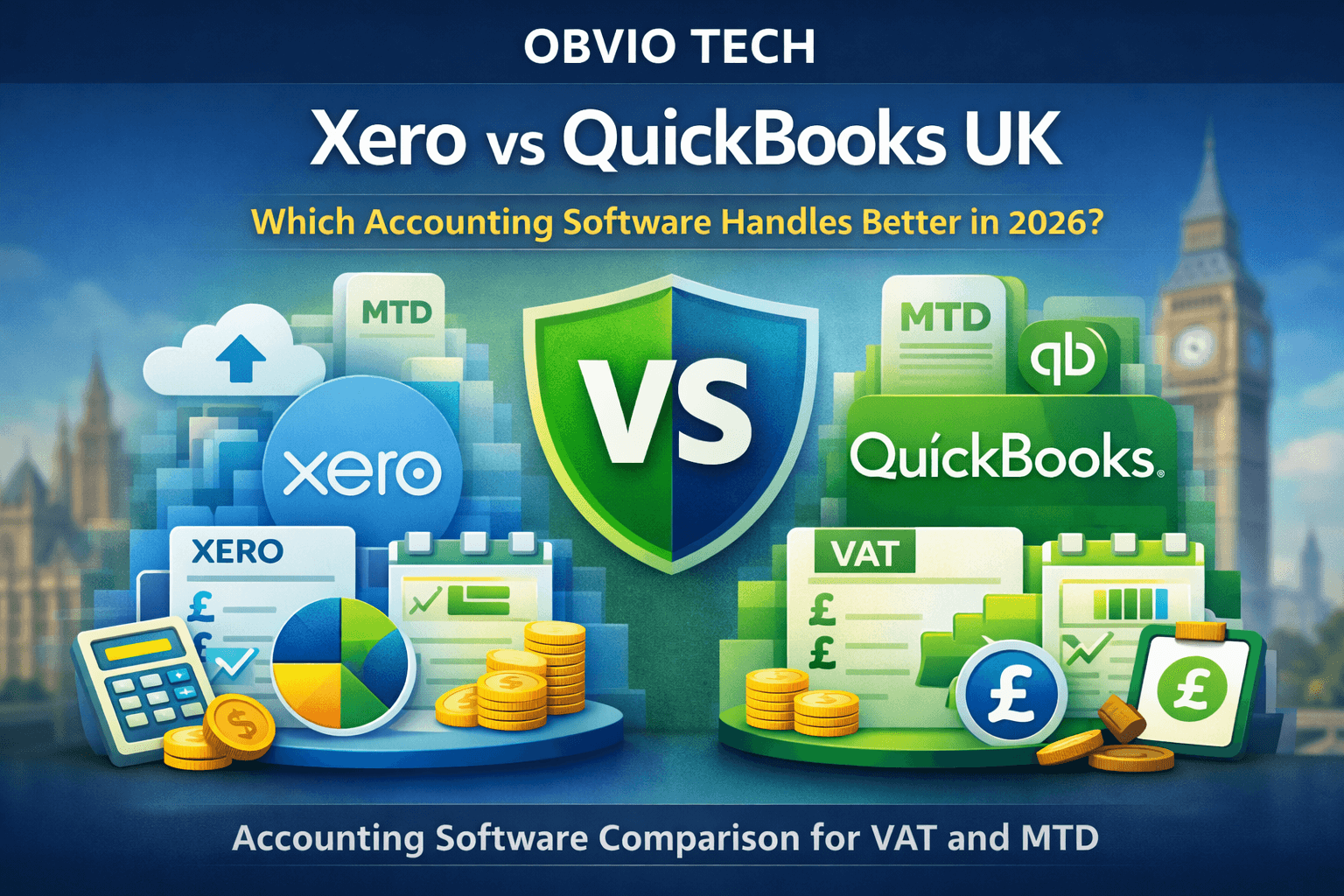
Xero vs QuickBooks UK – Choosing accounting software in the UK is no longer just about invoicing or expense tracking. In 2026, the real decision comes down to VAT compliance, Making Tax Digital (MTD), payroll complexity, and how well the platform scales with your business.
Two names dominate this conversation: Xero and QuickBooks.
Both are HMRC-recognised, both are widely used by UK accountants, and both promise to simplify compliance. But they are not built for the same type of UK business.
This guide breaks down Xero vs QuickBooks strictly from a UK SME perspective, so you can choose the right tool based on how your business actually operates.
Quick Verdict for Busy UK Founders
If you just want the short answer:
- Choose Xero if you are a VAT-registered SME, agency, or service business planning to scale and work closely with an accountant.
- Choose QuickBooks if you are cost-conscious, operate in construction (CIS), or want simpler all-in-one pricing early on.
Both are compliant. The difference is workflow depth vs simplicity.
UK Compliance: VAT, MTD & HMRC Readiness
MTD compliance is non-negotiable in the UK. Both platforms are officially HMRC-recognised and support digital VAT submissions, but their approaches differ.
Xero (Compliance-First Design)
- Designed around UK VAT workflows
- Clear VAT return summaries before submission
- Strong error-checking for VAT codes
- Widely preferred by UK accounting firms
Xero feels like it was built with accountants in mind, which reduces friction during year-end reviews and audits.
QuickBooks (Automation-First Design)
- Fully MTD-compatible for VAT
- Simplified VAT tracking for non-finance founders
- Faster setup for first-time users
- Less granular VAT visibility compared to Xero
Bottom line:
Both are compliant, but Xero offers more control, while QuickBooks prioritises ease.
Bank Feeds & UK Integrations
Reliable bank feeds are critical for UK SMEs using Open Banking.
Xero
- Excellent support for UK high-street banks
- Very stable Open Banking connections
- Strong UK app ecosystem (payroll, reporting, inventory)
- Favoured by accountants for reconciliation accuracy
QuickBooks
- Direct UK bank feeds included
- Faster initial syncing
- Occasional reconnection issues reported by accountants
- Smaller UK-specific add-on ecosystem
Verdict:
Xero wins on long-term reliability, QuickBooks wins on quick setup.
Payroll, CIS & Add-Ons (UK-Specific)
This is where the difference becomes very clear.
Payroll
- Xero: Payroll is available but usually requires add-ons and accountant involvement.
- QuickBooks: Payroll integrates more tightly and is easier for small teams.
CIS (Construction Industry Scheme)
- QuickBooks has a clear advantage here.
- Native CIS calculations and reporting
- Easier subcontractor management
If you work in construction or contracting, QuickBooks is often the safer choice.
Pricing Comparison (UK Only)
Prices shown are UK-specific and billed monthly (VAT extra).
| Feature | Xero | QuickBooks |
|---|---|---|
| Entry Price | From ~£15/month | From ~£14/month |
| VAT Filing | Included | Included |
| Payroll | Add-on | Integrated tiers |
| CIS | Limited | Strong support |
| Users | Limited by plan | More flexible |
| Hidden Add-Ons | Yes (payroll, advanced reporting) | Fewer early-stage add-ons |
Important:
UK businesses often underestimate add-on costs. Always compare total monthly cost, not just headline pricing.
Ease of Use for UK SMEs
Xero
- Clean, professional dashboard
- Accountant-friendly workflows
- Slight learning curve for non-finance founders
- Excellent reporting clarity
QuickBooks
- Very beginner-friendly interface
- Faster onboarding
- Less intimidating for first-time business owners
- Reports are simpler, but less customisable
Verdict:
QuickBooks feels easier on day one.
Xero feels better after month three.
Scalability: Which Grows Better With Your Business?
If you plan to grow beyond a micro-business, this matters.
Xero Scales Better For:
- Agencies
- VAT-heavy service businesses
- Multi-user teams
- Accountant-led operations
- Advanced reporting needs
QuickBooks Scales Better For:
- Sole traders → small teams
- Construction businesses
- Cost-sensitive SMEs
- Owners managing finances themselves
Xero vs QuickBooks: Side-by-Side Comparison
| Category | Xero | QuickBooks |
|---|---|---|
| HMRC & MTD | ✔ Fully compliant | ✔ Fully compliant |
| VAT Control | Advanced | Simplified |
| Payroll | Add-on | Integrated |
| CIS | Limited | Strong |
| Bank Feeds | Very stable | Good |
| Reporting | Advanced | Basic–Intermediate |
| Best For | Growing SMEs & agencies | Construction & small teams |
Pros & Cons (UK Lens)
Xero Pros
- Strong UK accountant adoption
- Excellent VAT visibility
- Robust reporting
- Scales well with growth
Xero Cons
- Add-ons increase cost
- Slight learning curve
- Less suited for CIS-heavy businesses
QuickBooks Pros
- Easier for beginners
- Strong CIS support
- Competitive UK pricing
- Faster setup
QuickBooks Cons
- Less advanced reporting
- Smaller UK add-on ecosystem
- Can feel limiting as businesses scale
Final Recommendation: Which Should You Choose?
Choose Xero if:
- You are VAT-registered
- You work closely with an accountant
- You plan to scale your SME
- Reporting accuracy matters
Choose QuickBooks if:
- You work in construction or contracting
- You want simplicity over depth
- You manage finances yourself
- Budget control is critical
There is no universal “best” — only the best fit for your UK business model.
Next Steps
- 👉 Check current Xero UK pricing if you’re planning long-term growth
- 👉 View QuickBooks UK plans if you need CIS or faster setup
Editorial Note (Obvio Tech):
Freelancers and contractors may find neither option optimal. Tools like FreeAgent are often better suited — covered separately in our detailed reviews.